
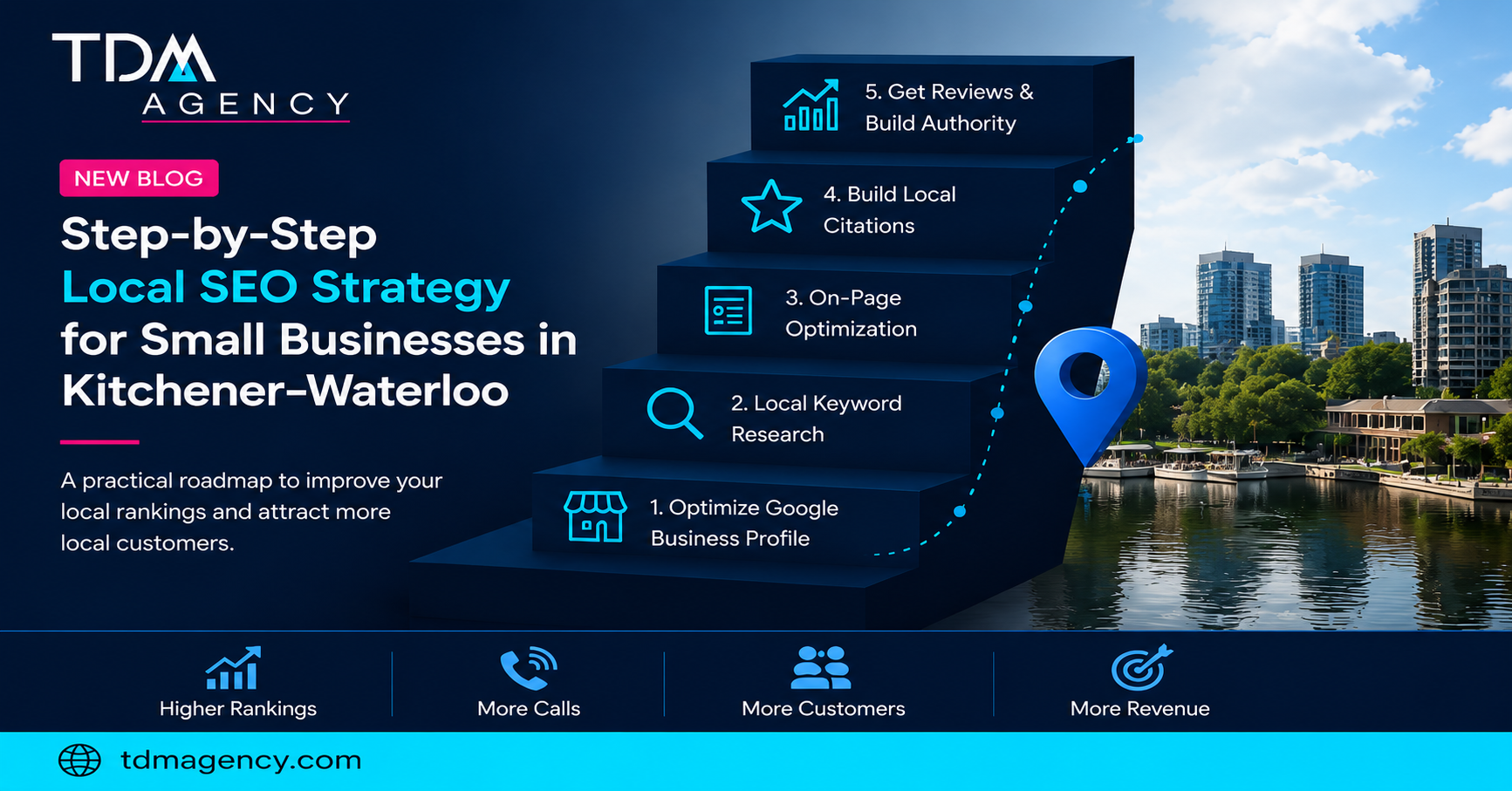
Step 1: Optimize your website for local search
Start by ensuring your website is fast, mobile‑friendly and secure. Create a dedicated landing page for each city or service area and optimize on‑page elements with geo‑specific keywords. SearchAtlas advises structuring multi‑location sites with clean URLs (e.g. yourwebsite.com/locations/city-name) and including geo‑specific keywords in title tags, meta descriptions and H1 headings. Keep your business name consistent across pages, but customize content (contact details, testimonials, staff bios) to avoid duplicate content.
For a single location, optimize your homepage and service pages with local keywords (e.g. “SEO services Kitchener”) in the title tag, meta description and body copy. Add schema markup (LocalBusiness and Organization schemas) to help search engines understand your business details.
Step 2: Claim and optimize your Google Business Profile
Claim your GBP and complete every field: business name, category, address, phone number, website, hours and services. Select the most accurate primary category and add secondary categories as needed. Use local keywords in your description, but avoid keyword stuffing. Upload high‑quality photos, list your services and enable messaging. Check your dashboard regularly because anyone can suggest edits to your listing. Post updates regularly (offers, events, news) to signal that your business is active.
Step 3: Build and manage citations
Ensure your business’s NAP information is consistent across the web. Citations on directories and review sites signal to Google that your business is legitimate. Start with major directories (Google, Bing, Apple Maps, Yelp, Yellow Pages) and industry‑specific sites. For multi‑location businesses, consider using citation management services or data aggregators to submit information across hundreds of platforms. Periodically audit your citations to fix discrepancies.
Step 4: Earn and manage customer reviews
Positive reviews boost trust and influence local rankings. Rio SEO emphasizes that local reviews are a heavily weighted trust signal for Google. Encourage satisfied customers to leave honest reviews on your GBP and other major platforms. Respond to reviews—positive and negative—promptly and professionally. Avoid offering incentives for reviews, as this violates platform policies and can harm credibility. Use email follow‑ups or SMS reminders to request reviews after a purchase or visit.
Step 5: Create locally relevant content
Content drives engagement and helps you rank for local queries. Create blog posts, guides or news articles about local events, customer stories, case studies or community involvement. SearchAtlas notes that for multi‑location businesses, each city page should have unique content that describes local events and uses relevant geo‑specific keywords. Avoid thin content—don’t simply copy and paste the same text with different city names. Instead, research what local customers search for and tailor your content accordingly. Embed a map, add directions and mention nearby landmarks to enhance local relevance.
Step 6: Monitor performance and refine your strategy
Track key metrics such as GBP views and actions (calls, directions), website traffic from local keywords, search rankings and conversions. Use tools like Google Analytics, GBP Insights and call‑tracking software to measure your progress. Remember that it takes several months to see significant results. Analyze what’s working and adjust your strategy accordingly—test different keywords, refine content and keep your GBP and citations up to date.
By following these steps and focusing on the questions and factors that matter most to local search, small and medium‑sized businesses in Kitchener–Waterloo can improve their online visibility, attract more qualified leads and grow sustainably.